
Fleet Software vs Spreadsheets - Which Wins?
- leadingsecurafrica
- 19 minutes ago
- 6 min read
A vehicle arrives late, fuel use is higher than expected, and a customer wants an answer before the next delivery leaves. If your records live in several spreadsheet tabs, finding the truth can take hours. The decision between fleet software vs spreadsheets is not only about convenience. It determines how quickly you can protect vehicles, control costs, and respond when something goes wrong.
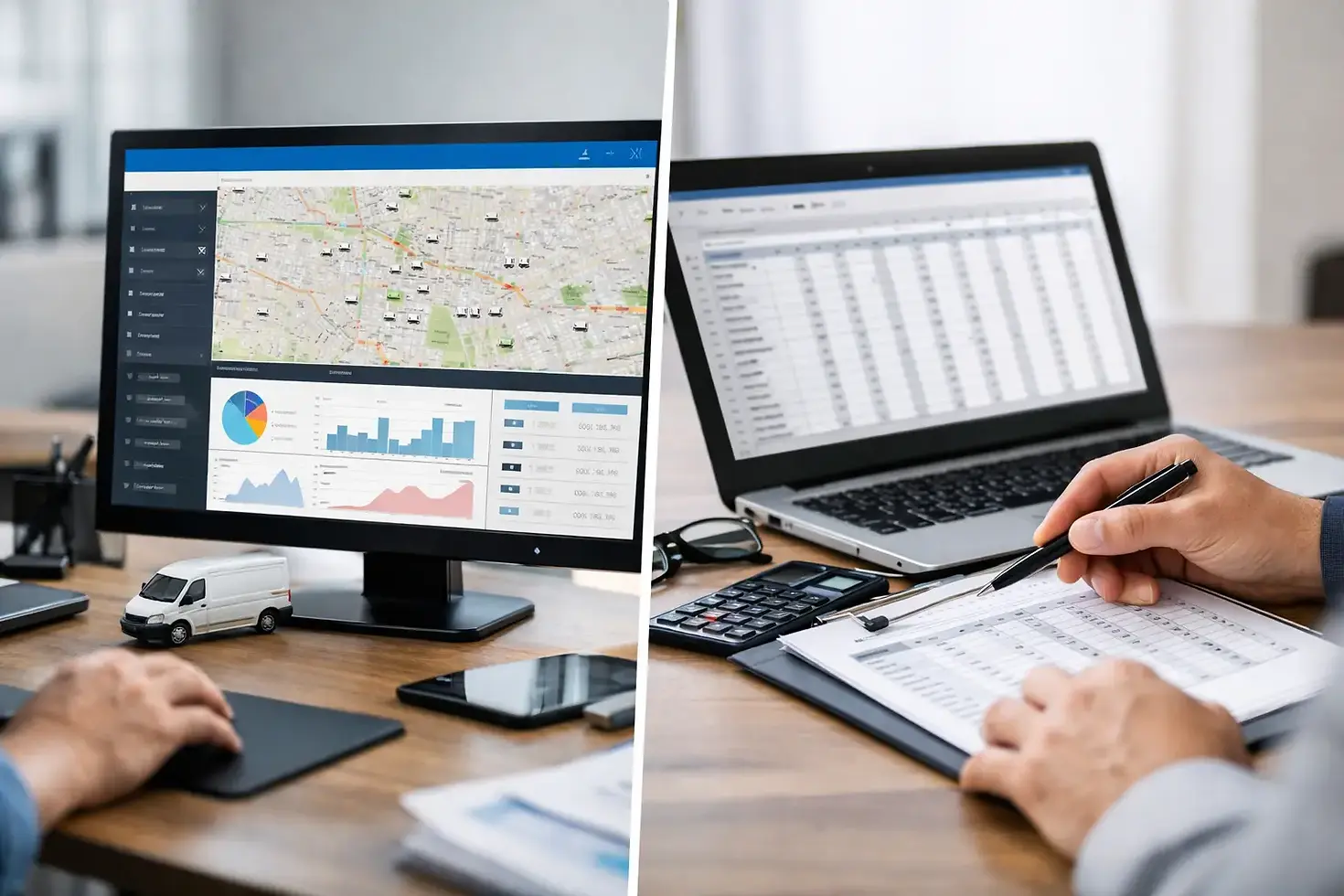
Spreadsheets still have a place in fleet operations. They are familiar, flexible, and inexpensive to start with. But they rely on information being collected, entered correctly, and reviewed at the right time. Fleet management software works differently: it gathers data from GPS tracking devices and connected systems, then presents current vehicle activity in one dashboard.
For a growing transport business, the difference is often the difference between reviewing a problem after a loss and preventing it while the vehicle is still on the road.
Fleet Software vs Spreadsheets: The Core Difference
A spreadsheet is a recordkeeping tool. It can track drivers, mileage, fuel receipts, maintenance dates, delivery schedules, and monthly operating costs. With a disciplined team, clear processes, and regular updates, it can provide a useful historical picture of fleet activity.
Fleet software is an operational control system. It uses live GPS data to show where a vehicle is, where it has been, how long it stopped, and whether it followed the expected route. Depending on the installed solution, it can also report ignition events, speeding, harsh driving, fuel activity, and unauthorized vehicle use.
That distinction matters because fleet managers do not only need reports at the end of the week. They need visibility when a vehicle deviates from its route, remains at an unexpected location, or moves after business hours. A spreadsheet can document the event later. Fleet software can alert the responsible person while action is still possible.
Where Spreadsheets Still Work
Spreadsheets are not automatically the wrong choice. A single-vehicle owner or a very small business may only need a simple maintenance log, fuel budget, and service reminder. If drivers submit accurate receipts and mileage records, a spreadsheet can help identify basic cost trends.
They are also useful for planning. A fleet manager may use one to compare vendor prices, prepare a budget, or create a short-term driver schedule. These are tasks based on fixed information, not minute-by-minute vehicle movement.
The limits appear when records must be verified. A driver can report a route, but a spreadsheet cannot confirm it. A fuel receipt may show how much was purchased, but it cannot show whether fuel was removed from the tank later. A maintenance date can be entered, but it will not warn you that a vehicle is operating outside approved hours or has been left idling for too long.
Spreadsheets also create a people-dependent process. When one person is absent, delayed, or working from an outdated file, the entire record can lose value. Formula errors, duplicate versions, and missing entries are common in busy operations where drivers and supervisors are focused on getting vehicles moving.
What Fleet Software Changes Day to Day
The strongest reason to move beyond spreadsheets is real-time visibility. A properly installed GPS fleet system gives managers a current view of vehicle location and status from a central dashboard. Rather than calling drivers for updates, the office can verify movement, route progress, and stop durations directly.
Route playback is especially valuable when resolving customer complaints or investigating delays. You can review where a vehicle traveled, when it arrived, how long it stopped, and whether it made an unauthorized detour. This creates accountability without relying on memory or conflicting reports.
Fleet software also makes exceptions easier to manage. Instead of manually checking every vehicle log, managers can focus on alerts that require attention. These may include geofence entry or exit, excessive idling, speeding, ignition activity, after-hours movement, or route deviation. The right alerts help a small operations team supervise more vehicles without losing control.
For security-conscious owners, connected fleet technology adds another layer of protection. GPS tracking can support faster recovery efforts after a theft. An ignition immobilizer system, when installed and managed appropriately, can restrict unauthorized use and help keep a vehicle under the owner’s control. iButton driver identification can also show who had authorized access to a vehicle at a specific time.
This is where an integrated solution is more valuable than a location dot on a map. Vehicle security, driver accountability, route management, and operating data work better when they are viewed together.
Fuel Control Requires More Than Receipts
Fuel is one of the largest controllable fleet expenses, which makes it one of the clearest examples of the difference between manual tracking and connected reporting. Spreadsheets can total receipts and calculate average cost per vehicle. That is useful, but it is backward-looking and depends on complete records.
Fleet software paired with fuel monitoring can help identify unusual consumption patterns, extended idling, or activity that does not match expected mileage and route conditions. It gives managers evidence to investigate rather than a vague feeling that fuel costs are rising.
No system can eliminate fuel losses by itself. Fuel data needs to be reviewed alongside dispatch schedules, vehicle type, load, traffic conditions, and driver behavior. A vehicle on a demanding route may use more fuel for legitimate reasons. The advantage is that fleet software gives you a reliable starting point for that conversation, while a spreadsheet may only show a higher total at month-end.
Driver Accountability Without Guesswork
Good fleet control should improve standards without treating every driver as a problem. The purpose of tracking and driver behavior reporting is to set clear expectations, recognize safe performance, and address risky patterns early.
With spreadsheets, driver behavior is usually reported after an incident, a complaint, or a review of paper logs. With fleet software, managers can identify repeated speeding, harsh braking, long idle periods, or unauthorized stops across the fleet. Dash cam solutions can add valuable context when an incident needs to be reviewed fairly.
The trade-off is management discipline. Installing technology without clear policies can create confusion and resistance. Drivers should understand what is being monitored, why it is being monitored, and how the information will be used. Clear rules around authorized routes, operating hours, fuel procedures, and vehicle access make the data useful and fair.
The Cost Question: Cheap to Start vs. Costly to Operate
A spreadsheet may appear free because most businesses already have access to one. But its real cost includes staff time, manual data entry, follow-up calls, reporting delays, missed maintenance, preventable fuel waste, and the financial impact of a stolen or misused vehicle.
Fleet software has an upfront and ongoing cost. There is hardware, professional installation, software access, and training. For very small, low-use fleets with no immediate security concerns, that investment may not be justified at first.
For businesses making frequent deliveries, transporting valuable goods, operating several vehicles, or struggling with fuel and route control, the calculation changes quickly. One serious theft event, recurring fuel loss, or poorly handled customer dispute can cost more than a properly designed fleet system. The value comes from using the data consistently, not simply having devices installed.
When It Is Time to Move Beyond Spreadsheets
Your fleet has likely outgrown spreadsheets if managers regularly call drivers to locate vehicles, cannot verify routes without asking, or discover fuel and maintenance issues only after costs have risen. The same is true if multiple people edit the same files, reports take too long to prepare, or vehicle use outside approved hours is a concern.
A practical transition does not require abandoning every spreadsheet overnight. Keep spreadsheets for budgets and one-off planning, then move live operational information into fleet software. Start with the vehicles that carry the highest value, travel the most, or create the greatest operating risk. Establish a small number of useful alerts first, review them daily, and adjust your procedures as the team becomes comfortable with the system.
Professional installation matters at this stage. GPS trackers, fuel monitoring equipment, immobilizers, and dash cams must be fitted correctly and configured around how your vehicles actually operate. In Liberia, LSA combines installation-backed security and fleet technology with the ongoing support needed to turn vehicle data into practical control.
The best choice is not about replacing every familiar tool. It is about using spreadsheets for planning and fleet software for protection, verification, and real-time decisions. Start by identifying the one question you need answered immediately when a vehicle is on the road, then put a system in place that can give you a dependable answer.


Comments